Why Substack?
My reasoning on why I moved from my custom website to Substack and how I did that

History
Let me start with a little history of when I started writing. I wrote my first article ever on Nov 15th, 2016, i.e., almost 9 and a half years ago. It was during my college years that I learned how to easily SSH to a server from the college network (port 22 was blocked by our network admin, so direct SSH didn’t work). At that time, I heard about Medium and used it. For a while, it worked well, and I used it as my primary platform for writing and reading articles. Then Medium launched paywalled articles, and after that, the quality and product experience deteriorated significantly, so I decided to move away from it and create my own personal website.
Things worked well; like most other people, I used a template, used markdown for the content, and hosted it on a service as a static site (I guess it was GitHub Pages at the time) behind my own domain.
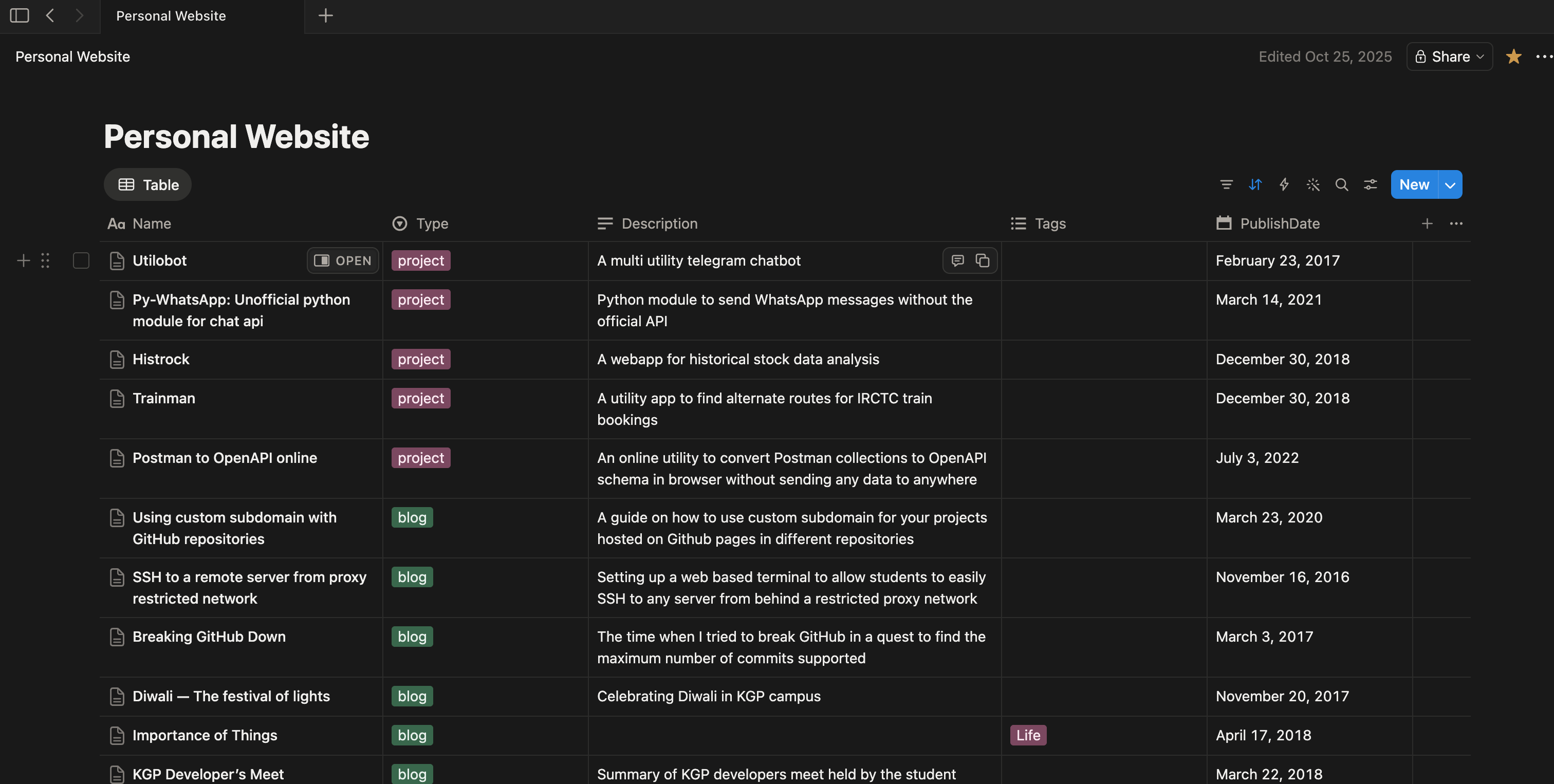
Now, after some time, I felt markdowns were a little cumbersome, and I recently started using Notion and decided to use it as my CMS (Content Management System). At the same time, Next.js came around, so I decided to switch to it as well. I created a new page inside Notion “Personal Website“ and added sub-pages inside it to handle different things, used tags to differentiate and group posts like - blog, project, etc. During build time, I pulled the content from Notion using its API and cached all the dynamic posts in the build directory. This worked quite well for me.
Problem
Now, my notion + Next.js setup was working quite well, but I recently noticed that my writing frequency had become very low; I had almost stopped writing.
The last post I wrote was in October 2025, about a hackathon I won, and it was also because one of my friends wanted to know more about it. The one before it was in 2022!
I don’t know the exact reason, but one correlation I see is the platform. When I was using Medium, I was writing more, but once I shifted to custom blog management, I was more obsessed with styling, tech, and other optimizations. Although that was quite fun as well, it might have impacted my writing habits. There might not be any causation involved here, and it was maybe just a pure correlation, but I decided to shift back to a managed service to find out.
The Solution
I have known about Substack for a while now. I used to read articles on Substack from some people I follow and admire. In fact, when I decided to move to Substack, I noticed I already had an account from long before.
Apart from the writing experience, I found the reading experience on Substack to be quite good as well. So I decided to move my entire personal website to Substack.
Migration
Once the decision was made, I wanted to bring all my posts to Substack.
Substack had an inbuilt option to import posts. So I gave it a try, but that option didn’t work for my personal website, which makes sense since it is a custom site and I can’t expect Substack to parse it directly. But I saw that it explicitly mentioned Medium, and since the majority of my content was already there, it should work. But that also just errored out.
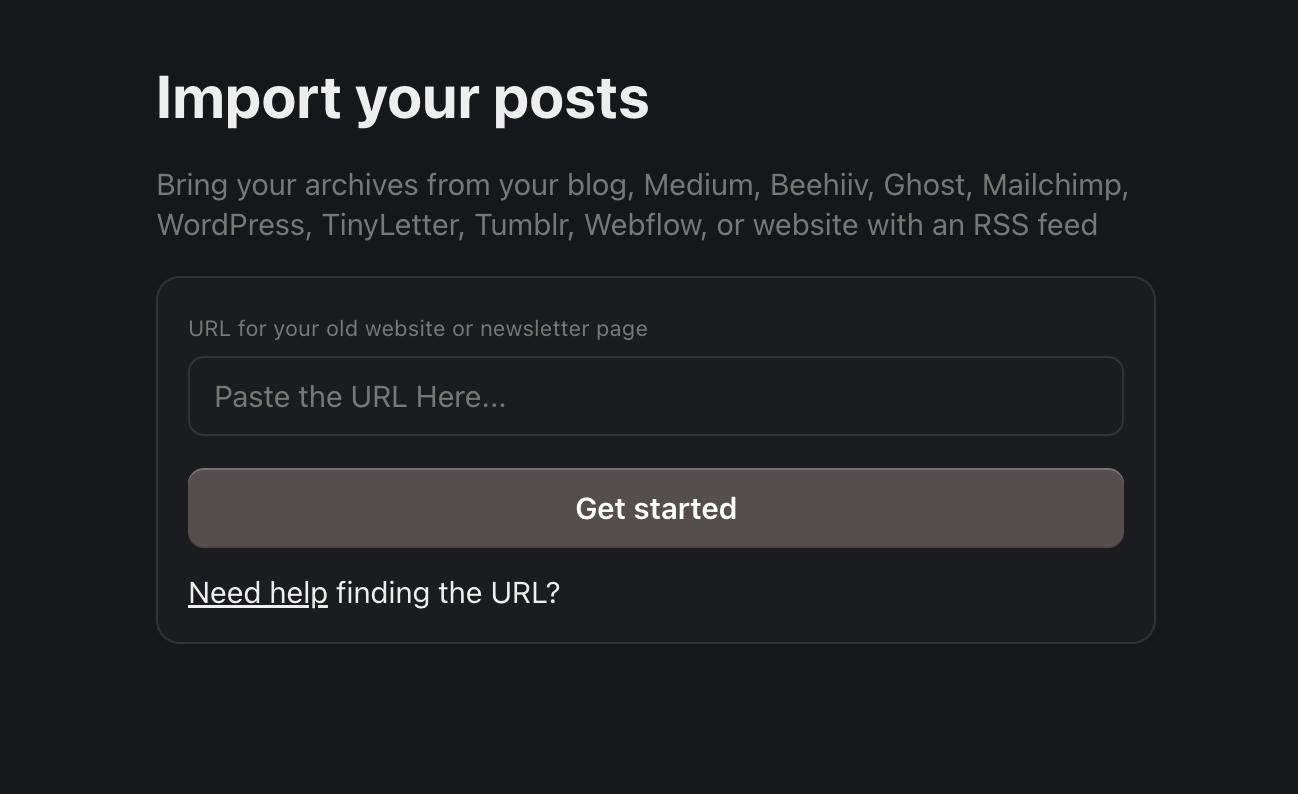
Now I thought the issue must be on the medium side, they might be blocking Substack crawlers. So I decided to try something else. I followed this article from Medium support to export all my articles, and used Claude to write a simple script that exposed all of them from my localhost as an RSS feed. Once that was done, I used ngrok to make it accessible from the internet and pasted the URL on Substack for importing, and it worked like a charm. All of my posts were now imported to Substack with the correct published date. I used the same logic on my personal website to import other articles and pages that were not on Medium, and now have all of my content on Substack.
The other part of the problem was redirection from old URLs. My personal website used a particular URL scheme for posts, but I can’t have the same thing for Substack. I researched a little and found that the most reliable way to do it is on my domain registrar, which was Cloudflare.
To my surprise, it was quite easy to do it there. Cloudflare had something called - Redirect Rules, with which you can easily set up redirections. I tested it out, and it was exactly what I was looking for.
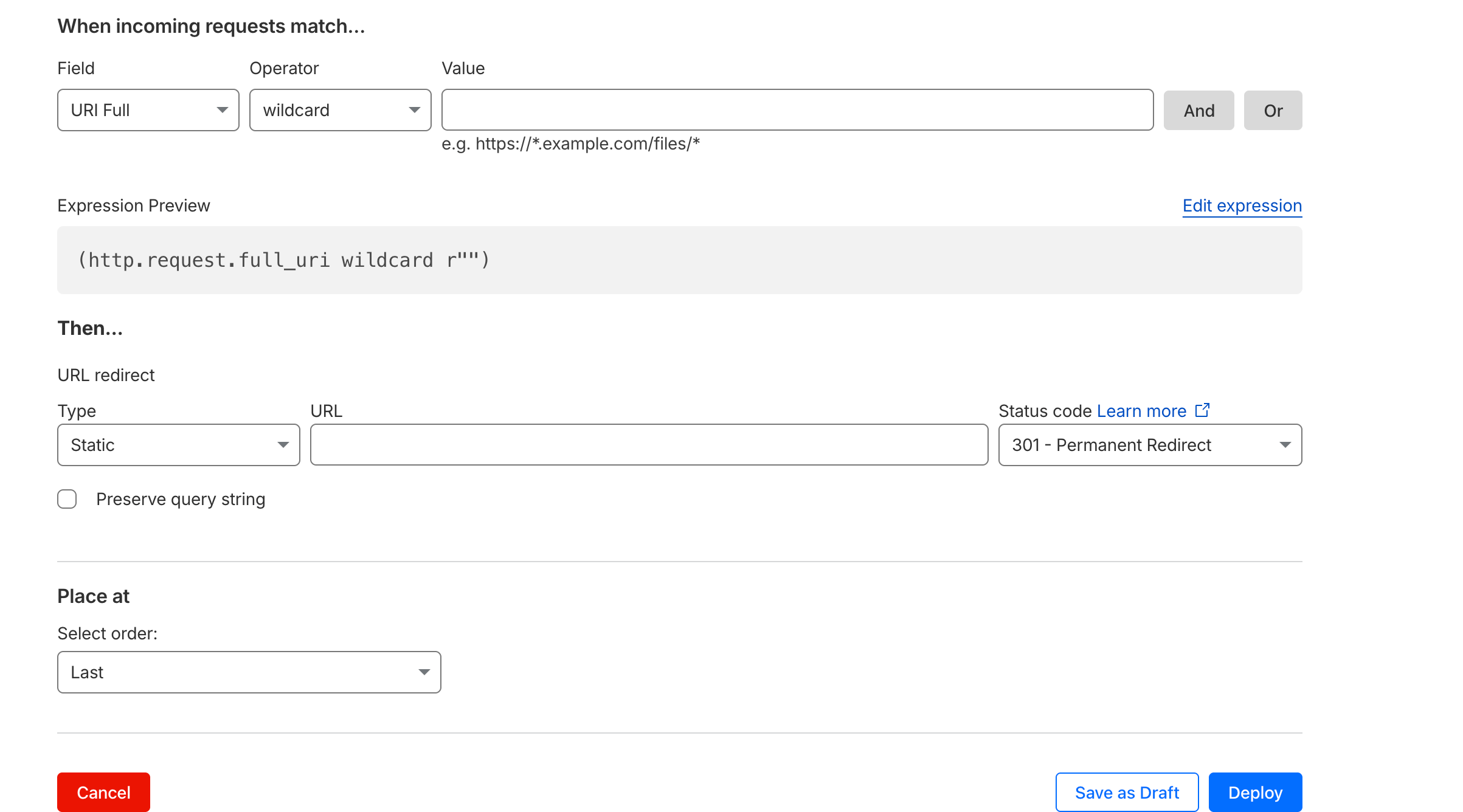
But after I created my test rule, I noticed there is a limit of 10 redirect rules only, which was not enough for me. So, I was back to researching what to do.
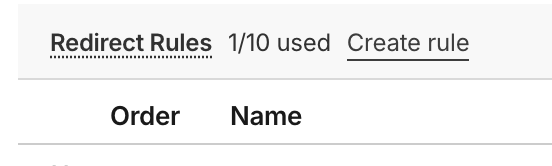
After that, I found out about Snippet rules in Cloudflare, which were much more powerful as they were powered by JavaScript.
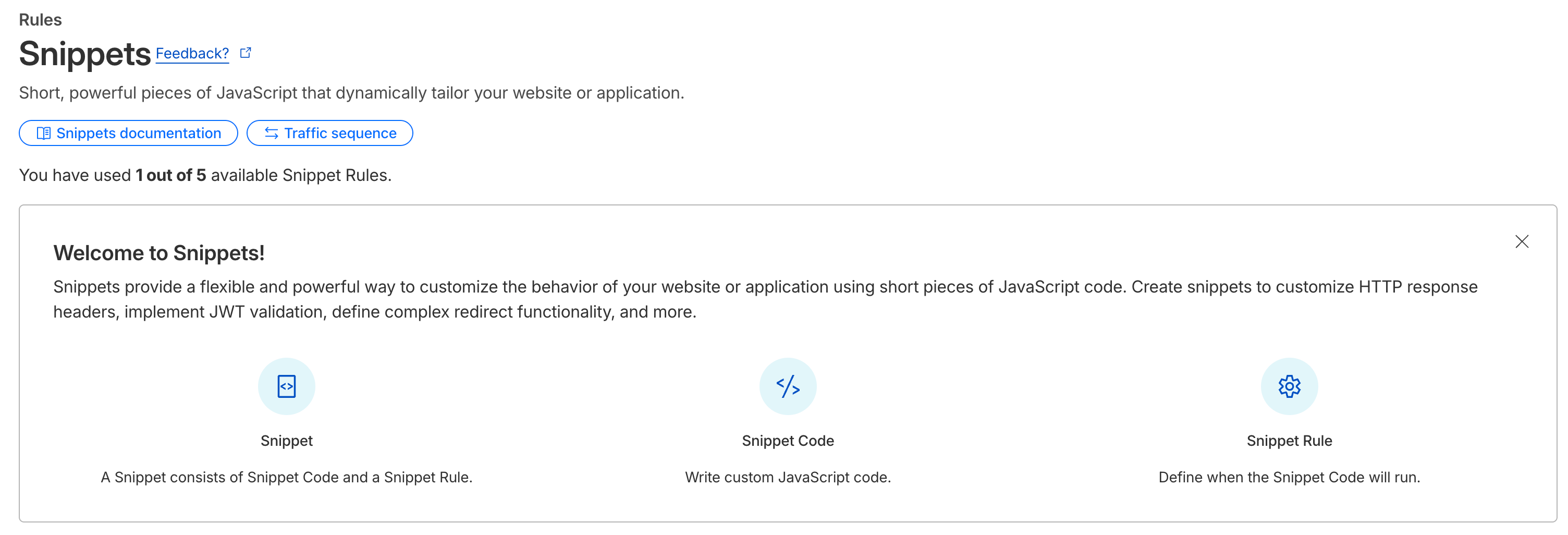
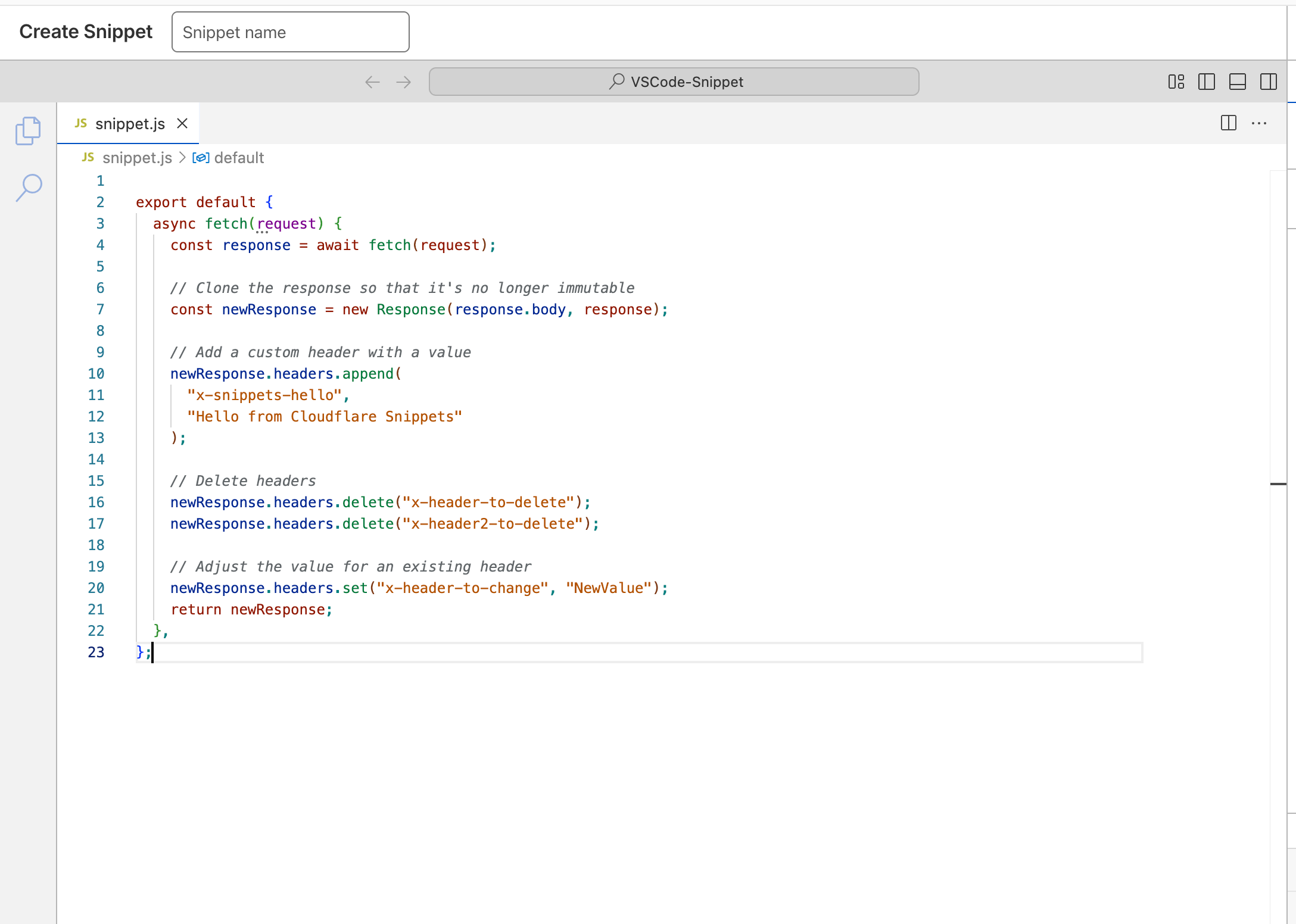
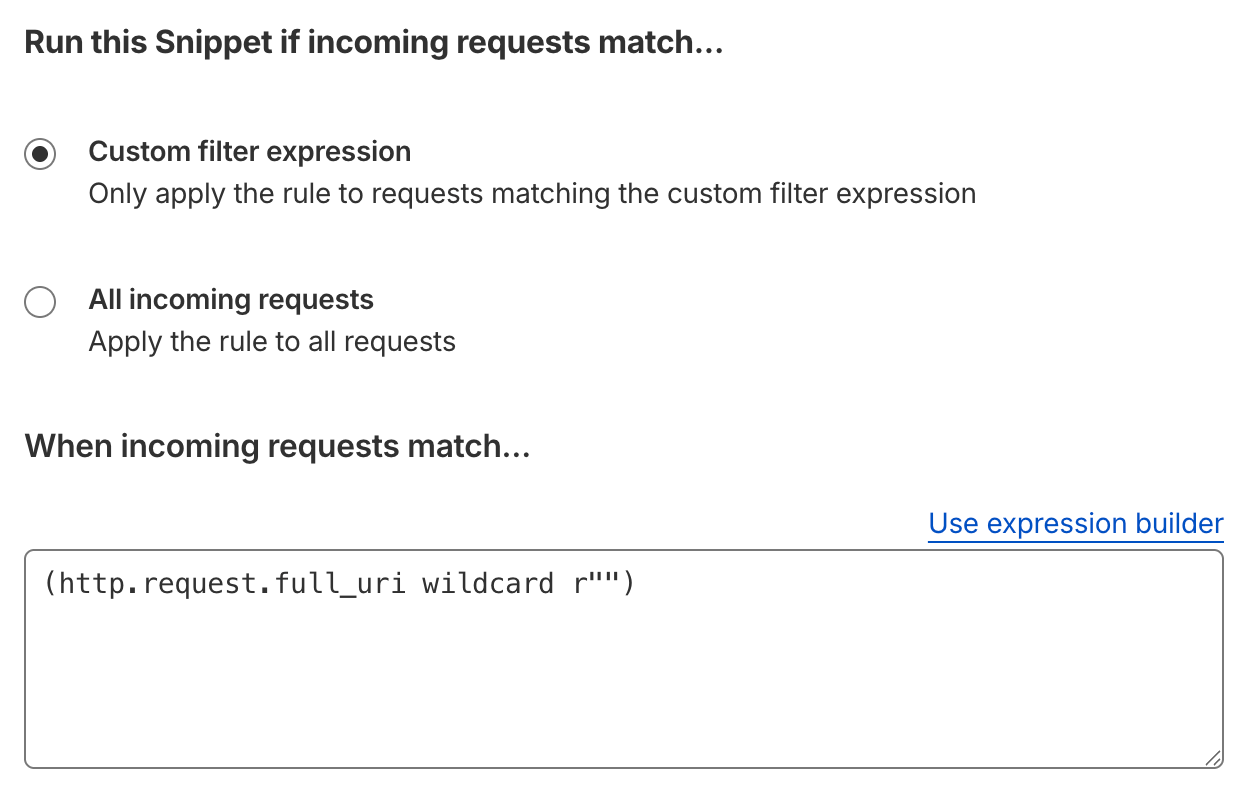
So, I decided to use it. I created a new snippet rule, tested it out for a single URL, and it worked. It had a similar route matching, but once a route is matched, you can write custom JavaScript to handle what you want to do with it. In my case, I wanted to add a redirection.
In place of adding everything manually, Claude came to my rescue again. I started by telling it to list all the URLs on my website at the moment and validated whether it covered everything or not. After that, I gave the link to pages that list all my posts on Substack and asked it to match the links, and also pasted the demo JS code from Cloudflare snippet and asked Claude to update it. Claude worked amazingly well, and it one-shotted everything perfectly. I just pasted everything on Cloudflare, and it all worked. My old post links are now properly getting redirected to Substack.
With the setup now complete, the only thing left was to properly sunset my old website and read more, write more, and share more here on Substack.